Share and Invite
Bring other instructors and your own students onto the app in a couple of taps.
Watch the walkthrough
Share and Invite in the app, step by step
Filmed in the live app, at your own pace. Use the player controls to pause, replay or go full screen.
Good to know
- The student app is free. Your students never pay to see their diary, progress or messages.
- Sharing the app is also how a multi-instructor school grows, since colleagues join under their own accounts.
How to use it
Share lets you tell other instructors about Driving Instructor Manager, and helps your own students get onto the free student app.
-
Open Share
Tap the Share tile on your dashboard.
-
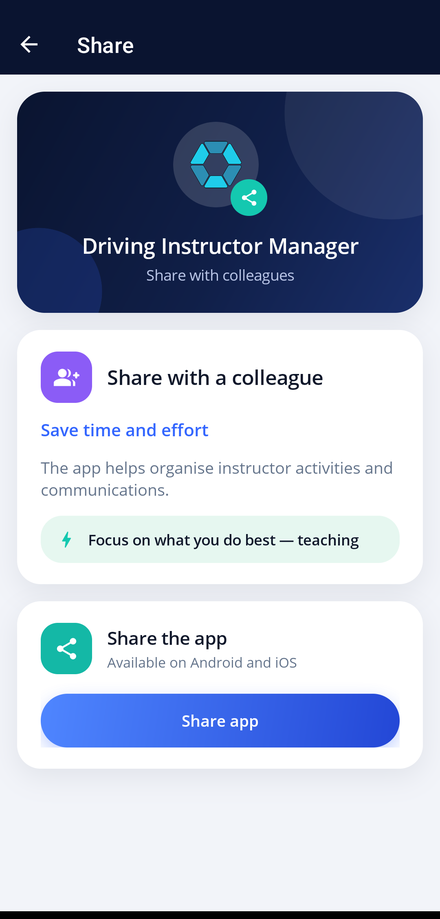
Share with a colleague
Choose Share with a colleague, then pick how you want to send it. A link to the app store is included so they can install it straight away.
-
Share with your students
Choose Share the app to send the student app link to a learner.
-
Use your invite code
Students connect to you by entering the invite code shown on their record. Send the invite from My Students when you are ready for them to join.