Watch the walkthrough
Sharing the App in the app, step by step
Filmed in the live app, at your own pace. Use the player controls to pause, replay or go full screen.
Good to know
- The student app is completely free for learners.
- Your instructor can also send you the link again if you ever need it.
How to use it
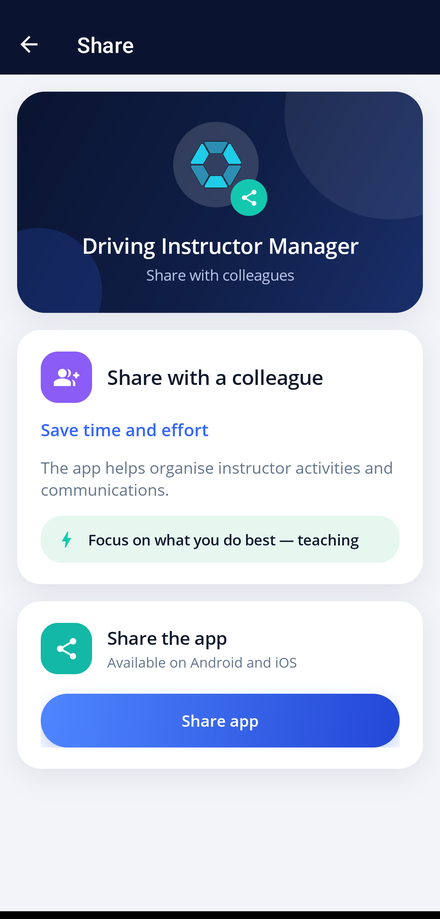
If the app has been useful to you, Share is how you pass it on. It sends a link straight to the app store for both Android and iOS.
-
Open Share
Tap Share App on your dashboard.
-
Check what you are sending
Read the short summary of what the student app does, then tap Share app.
-
Pick who to send it to
Choose any app on your phone, such as messages or email, and send the link.
-
They install and connect
Your friend installs the free app and enters their own instructor's invite code to join their school.